Scanners: The Works™
UI Evolution
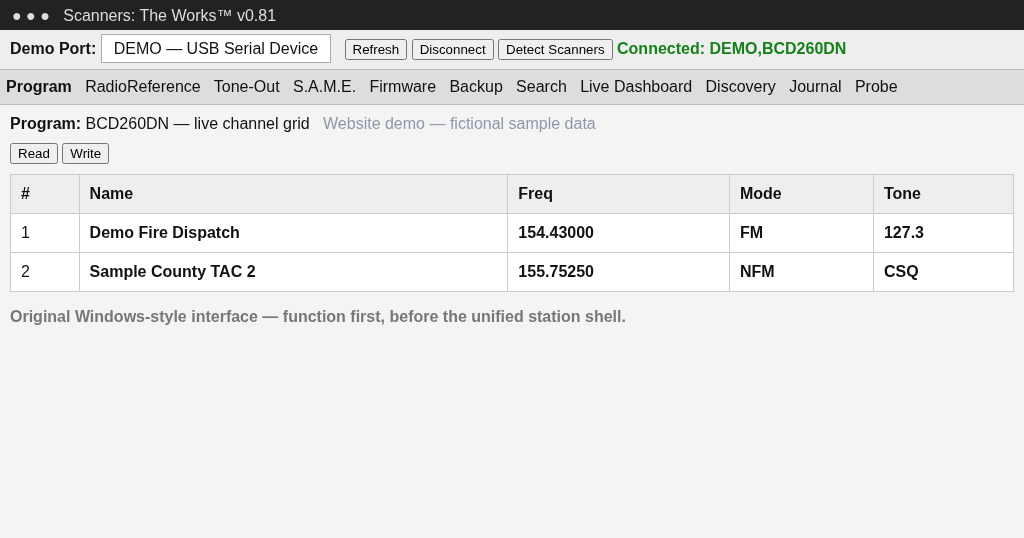
v0.81 — Original Prototype
The project began as a traditional Windows interface focused on scanner communication, programming, and proving the core engines.
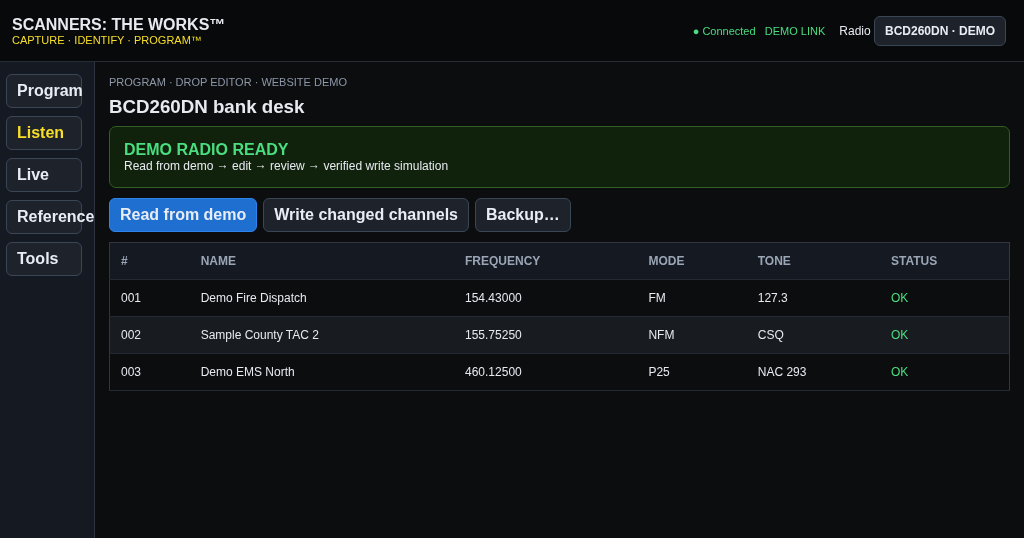
Early v1.0.0 — First Branded WebView
The first WebView redesign introduced the dark shell, product branding, sidebar navigation, and the Capture → Identify → Program™ workflow.
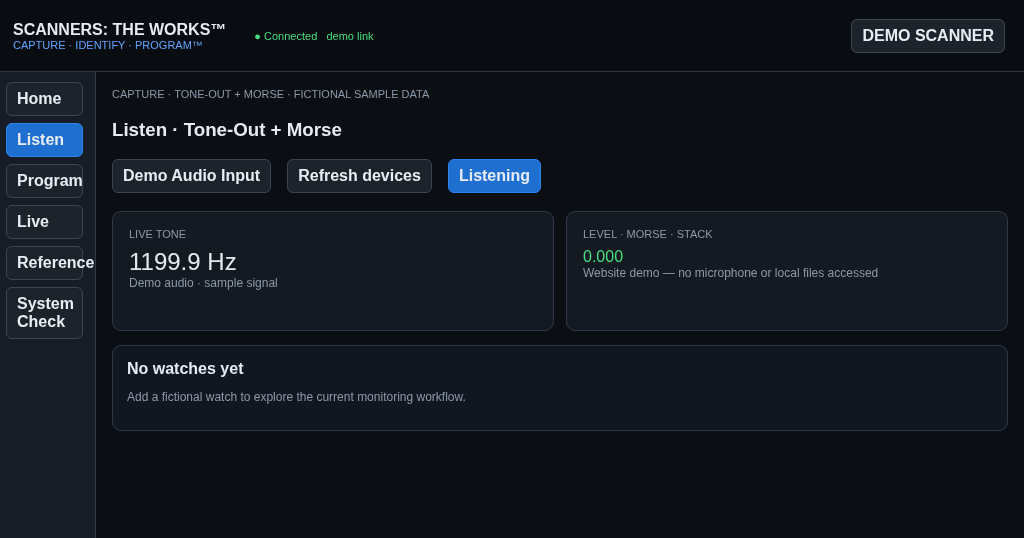
v1.0.0 — Monitoring Station
The monitoring-station phase centered daily use around Home, Live Operations, scanner health, recordings, activity history, and dedicated programming desks.
Current v1.0.0 — Full Station Vision
The current direction turns the monitoring station into one cohesive workspace: Radio Manager, Mission Control, Operations Center, Audio Center, Activity Center, Settings, and station-wide intelligence all share the same workflow and state.
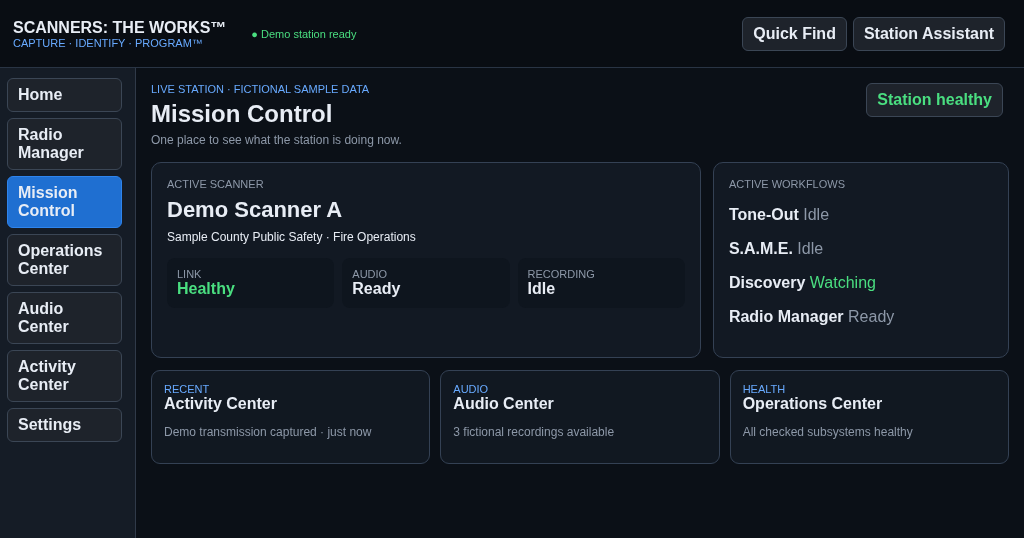
Scanners: The Works™One shared station state
Radio ManagerMission ControlOperations CenterAudio CenterActivity CenterSettings
Profiles · Discovery Intelligence · Compare/Sync · Incidents · Memory Planner · Templates · Snapshots · Quick Find · Station Assistant